1.
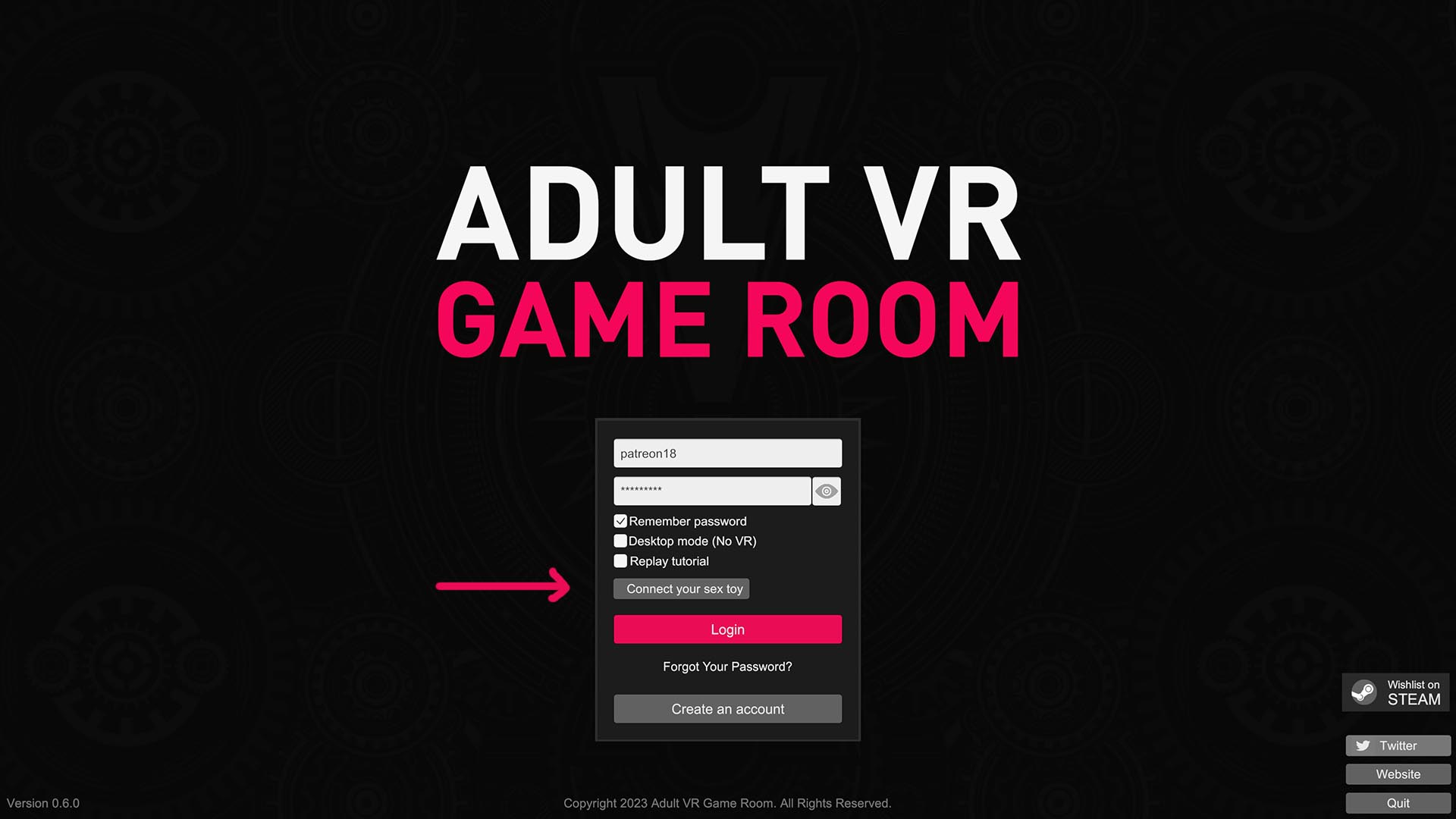
Press the “Connect your sex toy” button on the game launch screen to open sex toy selection page.
2.
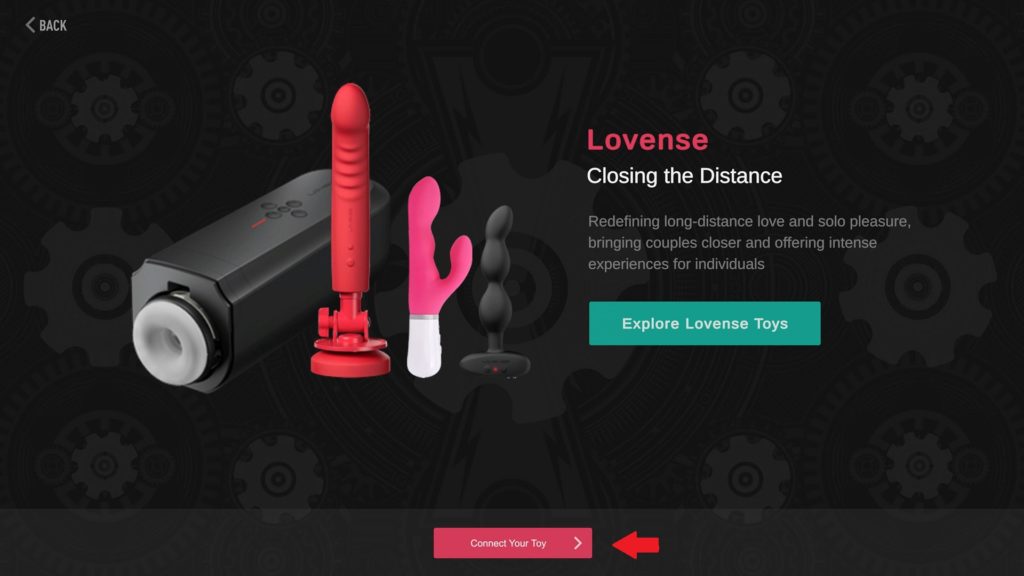
Select Lovense on the toy selection screen and press the “Connect Your Toy” button.
3.
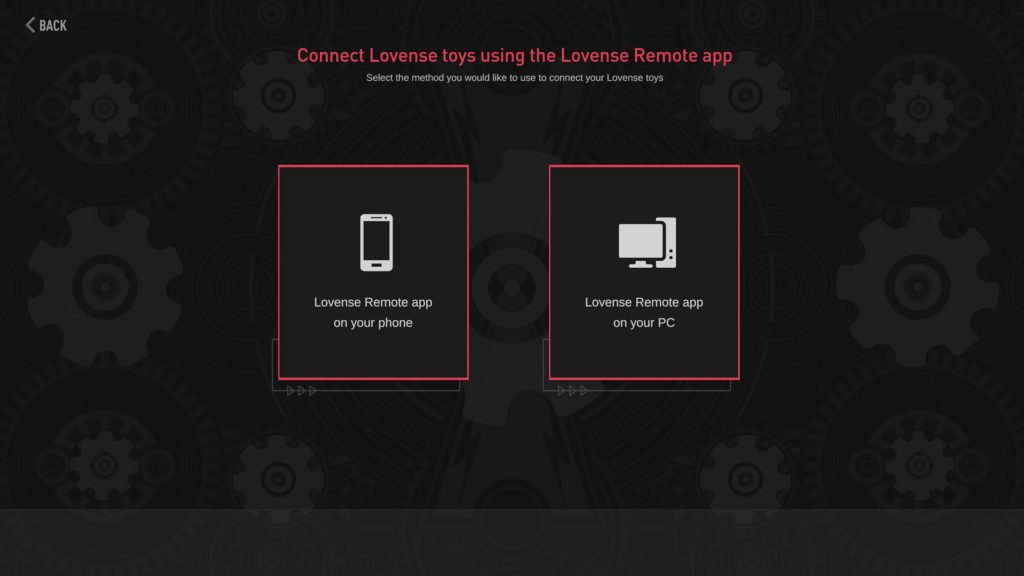
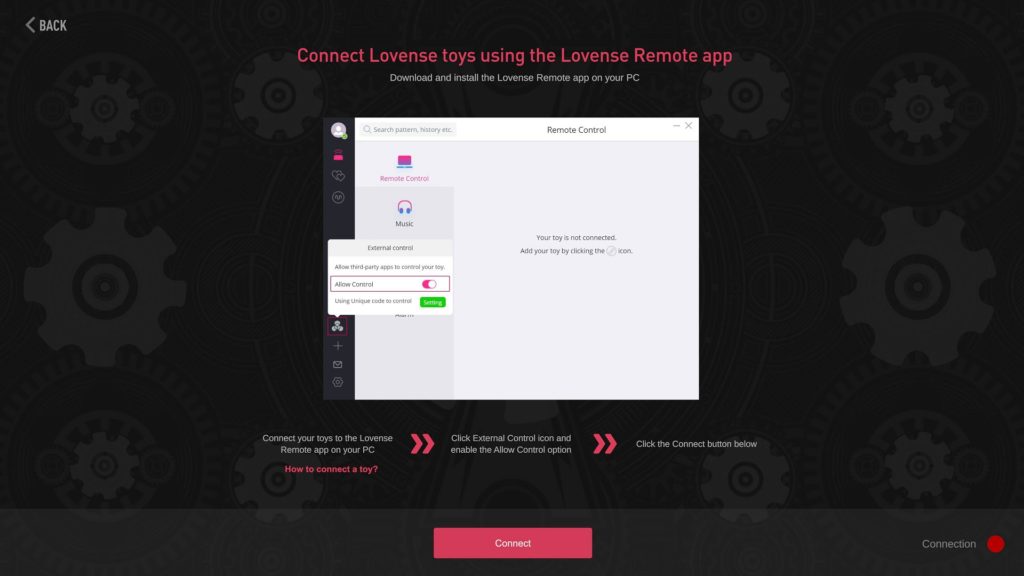
Select the method you would like to use to connect your Lovense toy. Lovense Remote for your phone or Lovense Remote for PC.
4.
Follow the on screen instructions to connect your Lovense toy.
5.
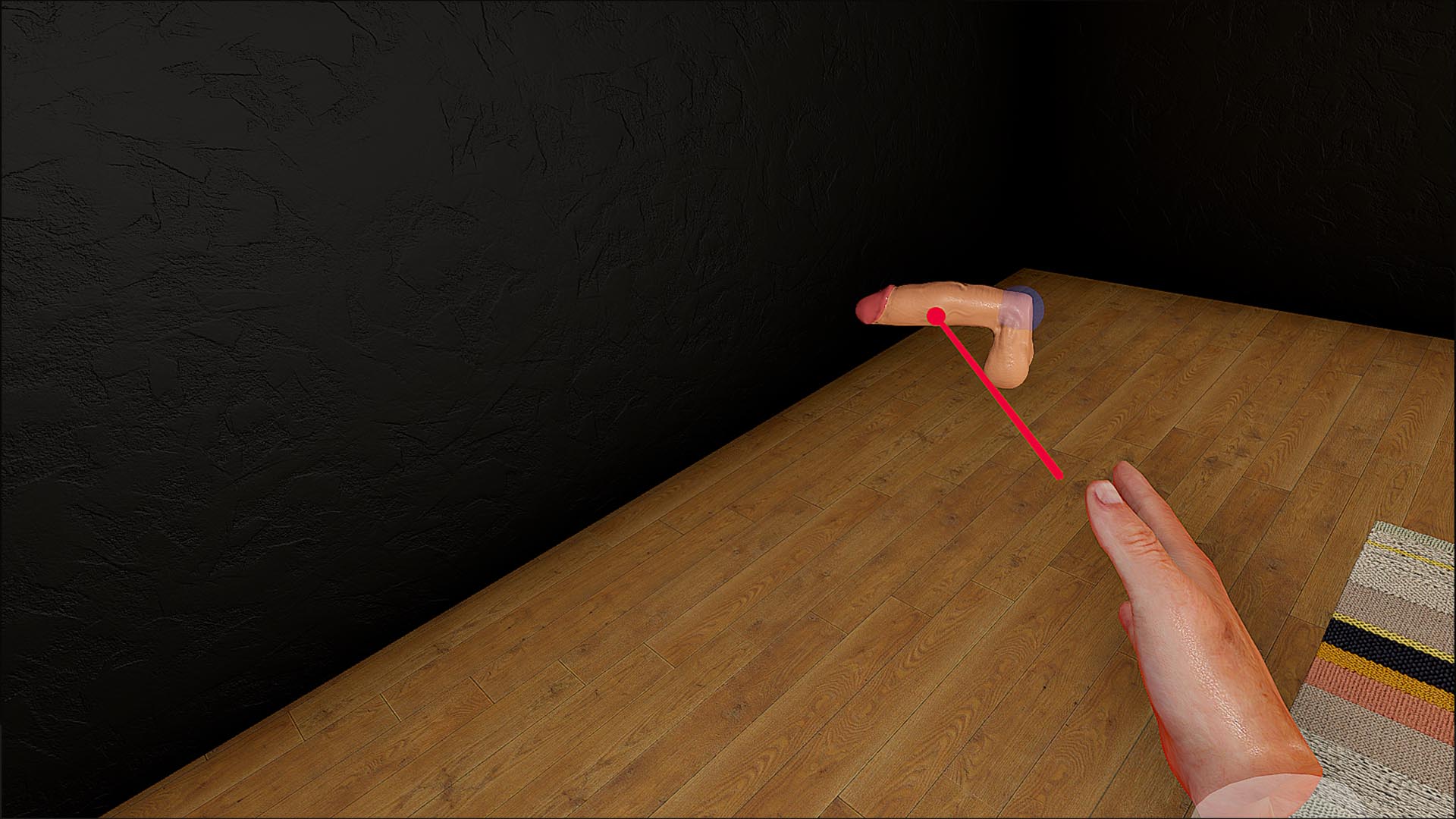
Add a toy to your game scene and open it’s options menu.
If playing in VR, select the toy with your laser pointer and press the trigger button on your right controller.
If playing in Desktop Mode, hover mouse pointer over the toy and press the right mouse button.
6.
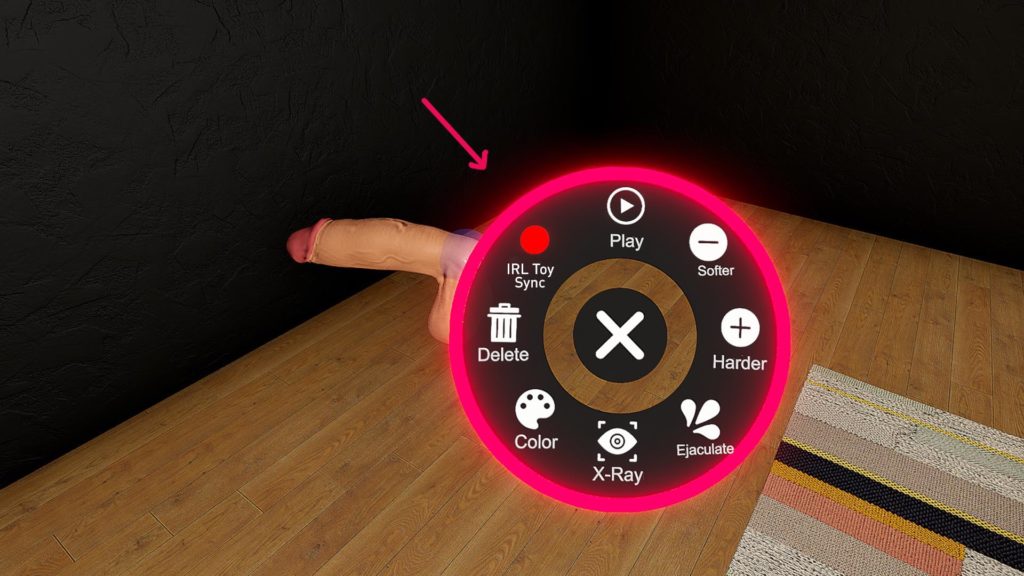
Select the “IRL Toy Sync” option from the toy options menu.
The red light icon will turn green on successful activation.
Now your Lovense toy is ready and will be synced to the in game toy.